Controlled launch
The profile and feed will not be shown publicly without review by the ZONEO team.
Zoneo Partner Centre
Connect your sports online shop to Zoneo through a secure partner account. Your profile, logo and product feed will be reviewed by the ZONEO team before anything is displayed publicly.
Zoneo Partner Centre for online shops
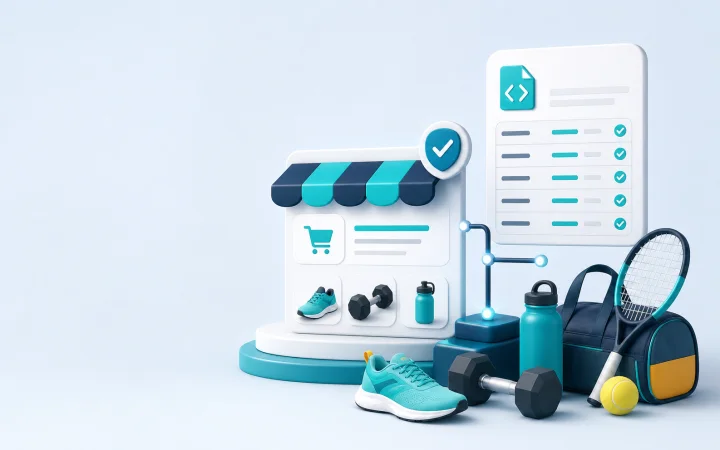
Prepare your shop profile, logo and feed without risking the data being displayed before we review it together.
The profile and feed will not be shown publicly without review by the ZONEO team.
In the Zoneo Partner Centre, you can see what needs to be completed and the current status of your onboarding.
The feed, logo and profile are prepared so they can later be expanded to additional countries and languages.
Add the name, contact details, logo, description and SEO data. Public visibility is enabled only after approval.
The feed URL is first checked for safety and public availability. A review without importing offers is then started.
The partner account is ready for multiple countries, languages and profiles, without having to set everything up again from scratch.
The process is designed so you can prepare the data and the ZONEO team can review it securely before it is shown publicly.
Step 1
Create an account, confirm your email and remain in a secure onboarding state.
Step 2
Add the logo, contact details, description and any SEO data for the public profile.
Step 3
Add the feed URL, start validation and submit the result for review.
Step 4
ZONEO reviews the profile, shop domain and feed. Only then is further processing enabled.
Partners cannot publish the profile or feed themselves, and feed review does not create public offers. This mode protects the catalogue, partners and users.
What to prepare
During registration, we check the domain and duplicates so that the shop is not linked to the wrong profile.
The logo, short description and contact details help the ZONEO team check how the shop will appear to users.
Prepare a publicly accessible URL for a Heureka XML, Google Merchant or Zoneo XML feed.
We connect partners and their offers with sports customers across our currently active public network.
Quick contact
The quickest option is to create a partner account and prepare your profile in the Zoneo Partner Centre. If you would rather send the details manually first, send us the feed URL, e-shop name, country, contact email and information about whether you already use an affiliate network.
Frequently asked questions
No. Registration, the profile and the feed are reviewed by the ZONEO team. Public offers are not enabled automatically.
Yes. The XML documentation is public, so you can prepare the export according to it before submitting the profile for review.
The architecture is ready for multiple countries and languages. The specific onboarding of an additional country is handled by the ZONEO team during review.
Start by registering or send us a request. If you already have a feed, check the XML contract before submitting it for validation.