
How it works
From your first search to choosing the right offer
Zoneo is a practical guide to buying sports products. It helps you understand the category, narrow down your selection, compare variants and go to a shop with clear expectations.
From your first search to choosing the right offer
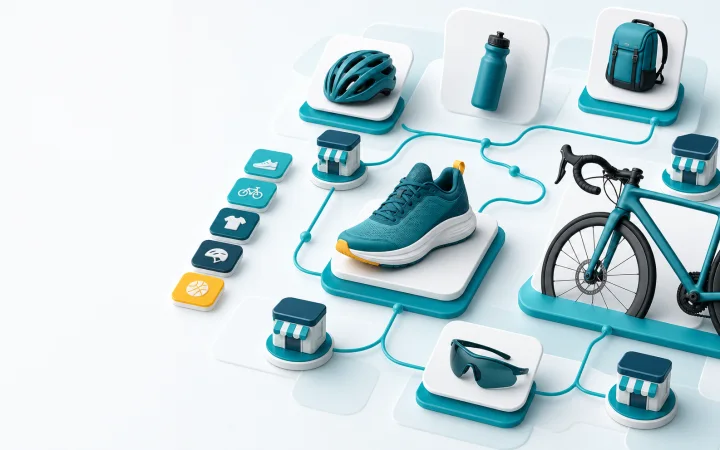
1. Start with a sport, category or specific product
You do not need to know the exact full name. Find equipment through a sport, type of use, brand or search.
Search
Enter a name, brand or everyday term such as “running shoes”, “protein” or “cycling helmet”.
Categories by sport
The category tree is designed for sports use: fitness, running, cycling, football, ice hockey, hiking and other areas.
Quick links
Home, top categories, new arrivals and discounts act as shortcuts when you would rather browse than search precisely.
2. Narrow your selection with filters that make sense for the category
Filters should not just be a general list of fields. In sports categories, they should help with the factors that really matter when choosing.
Price and availability
Quickly filter offers by price, in-stock availability, discount or free delivery, where this data is available.
Brands and shops
If you prefer a particular brand or retailer, you can narrow the results without switching between online shops.
Sports parameters
We are gradually adding parameters that matter when choosing, such as size, intended use, material or variant.
3. Check the most important decision points on the product page
The product page helps you check, before visiting the shop, whether the product, variant and offer meet your needs.
Best available offer
We highlight the offer that, based on the available data, makes the most sense for a quick choice.
Differences between variants
For variants, we show available prices and differences, so you do not have to click blindly between similar items.
Related options
If similar products or alternatives are available, the product page helps you check whether another option would suit you better.
4. Visit the shop only when you know what you want
Zoneo does not complete your purchase. Once you have selected an offer, you continue to the online shop, where you can check the final terms.
Clear ‘Go to shop’ button
When you click it, you know that you are leaving Zoneo and continuing to the retailer’s website.
Final check with the retailer
Before ordering, check the price, availability, delivery, payment and return options.
Zoneo stays open
Key links open in a new window so you can return to the comparison.
Start with a product or category
Search is the quickest route if you know what you want. Categories are better when you are still comparing your options.